
Modern web users rely on a variety of digital services to streamline coding tasks, research new concepts, or draft content. If you want to experiment with interactive automation, trying out a messaging automation platform can provide a simple entry point without requiring any financial commitment. However, comparing these options requires looking beyond marketing claims to understand their limits.
At The Cafe Techno, we focus on helping technology enthusiasts explore digital tools with a clear understanding of user experience and performance. While free platforms offer immediate convenience, they also introduce specific constraints. By examining developer credentials, usage thresholds, data handling rules, and integration options, you can choose tools that improve productivity without creating safety issues.
For cost planning, our notes on getting the best AI services price for your business add useful background before you commit.
Sorting the Options: Productivity Assistants vs. Support Widgets
Before selecting a tool, you should categorize the available interfaces. Broadly, no-cost conversational agents fall into two camps: browser-based productivity assistants and embeddable website widgets. Each type serves a distinct user base and relies on different underlying systems.
Browser-based chat platforms are designed primarily for individual productivity. These services act as open web interfaces where users can paste text, ask questions, draft articles, or brainstorm ideas. Popular examples include OpenAI’s ChatGPT, Google’s Gemini, and Microsoft’s Copilot. When using these browser-based options, it is helpful to remember that they operate under specific data policies. For example, you can review how ChatGPT uses data or check the Gemini privacy help page to understand how conversations are stored. Similarly, Microsoft provides details on Copilot through its Microsoft Copilot portal and the official Copilot privacy and protections documentation.
The second category consists of embeddable customer service widgets. Unlike browser platforms, these tools are built to live on a specific website and guide visitors through predefined support flows or answer basic questions about a business. Many general users turn to free chatbot websites to test conversational interfaces and experiment with prompt engineering. Conversely, if your goal is to handle incoming inquiries on your own blog or store, you will want a specialized widget that integrates directly into your website’s codebase. These widgets are designed to improve user engagement by greeting visitors, capturing contact info, or providing simple FAQ answers.
Analyzing the Hidden Boundaries of Free-Tier Plans
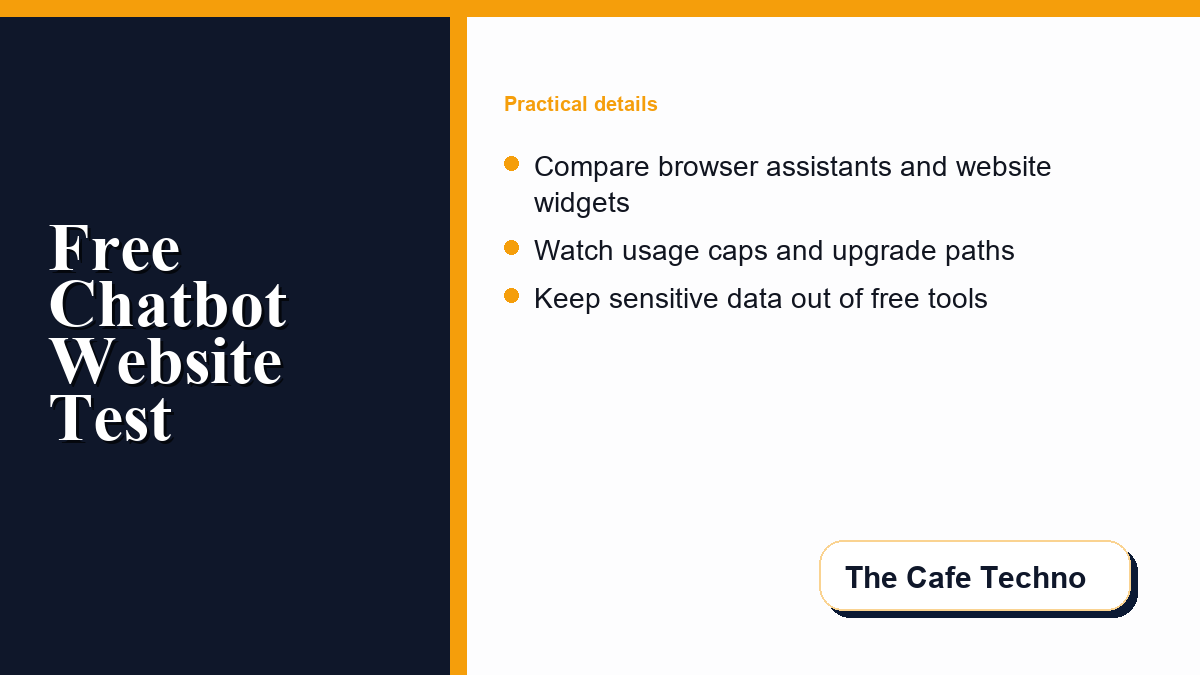
While the appeal of a zero-cost tool is strong, it is crucial to recognize that free tiers are rarely unlimited or permanent. Providers have real computing costs, so free tiers are managed to control demand. Understanding these boundaries prevents unexpected interruptions when you need the tool most.
The most common limitation is message or credit capping. Many platforms grant a set number of free queries per day or month. Once you exceed this limit, the system may block further queries, throttle your response speed, or downgrade your model to an older version. Another limitation is model availability during peak hours. Free tier users are often deprioritized when server traffic is high, resulting in slow generation times or temporary service outages.
Furthermore, free tiers rarely offer advanced customizability. For example, if you are embedding a support widget, the free version may include the vendor’s branding, limit your chat history to 24 hours, or restrict the number of unique user contacts you can save. Advanced features like API access, CRM integrations, and custom branding often sit behind premium plans. Knowing these constraints upfront helps you decide if the free option can actually handle your expected volume. Checking the pricing page before installation helps you avoid being locked into an unaffordable ecosystem.
Comparison Matrix: Selecting the Right Tool for the Job
To help you decide which tool fits your current setup, consider the workflow you plan to build. If you only need writing assistance or simple code debugging, browser-based tools are typically sufficient. If you want to guide visitors to specific product pages, a website widget is essential. Prototyping a custom application requires API access, which might require a developer sandbox account.
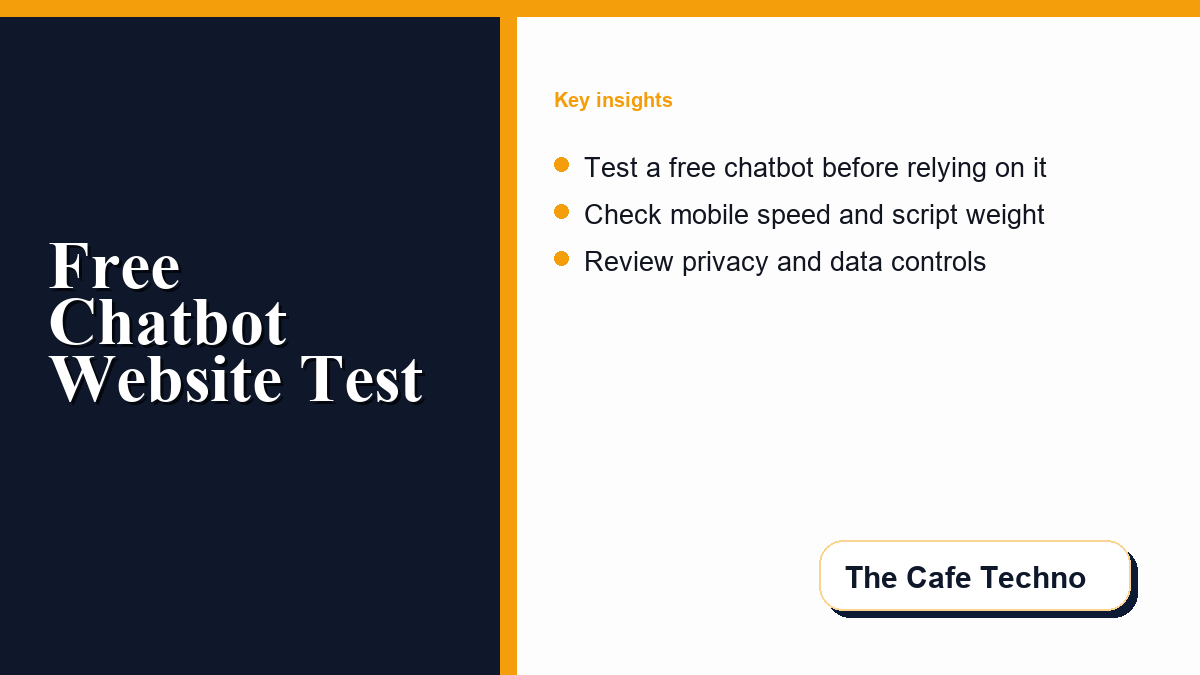
Integrating a chatbot onto your website should not degrade the user experience. A chatbot widget that loads slowly or displays poorly on mobile screens can push visitors away. If your goal is to optimize your website layout and test page speed, make sure external scripts do not clutter the page layout. You can read more about website performance optimization in the articles published on The Cafe Techno blog, where we cover mobile speed and clean design.
For business workflows, our overview of why Messenger Bot App has the best bot for businesses shows why customer automation needs more structure than casual chat.
| Chatbot Category | Primary Use Case | Key Free Limitations | Best For |
|---|---|---|---|
| Browser productivity engines | Research, drafting, brainstorming | Rate limits, queue wait times, public training data | Individual creators and students |
| Embeddable support widgets | Customer service, lead capture | Vendor branding, restricted chat logs, limit on active chats | Small website owners testing setups |
| Developer-focused API trials | Building custom software, prototyping | Expirable credits, low rate limits, minimal support | Developers and technical hobbyists |
Data Privacy and Safety Protocols for Tech Users
Perhaps the most critical aspect of evaluating any digital tool is understanding where your data goes. When using free chatbot tools, data privacy should be a primary concern. Some providers may use conversations to improve their services unless account settings, plan terms, or business agreements say otherwise. This means anything you input into the chat could be retained, reviewed, or processed under rules that differ from one platform to another.
For safety-first operations, do not input sensitive information into a free chatbot. This includes account credentials, personal identifiers, confidential business documents, financial spreadsheets, or unreleased source code. Treat every chat session as potentially visible to the provider unless you have explicitly configured privacy controls and confirmed the plan terms. Some browser platforms allow you to turn off history or adjust activity controls, but policies differ between vendors.
If you are deploying a chatbot on mobile devices or using mobile applications, it is also useful to examine how application stores track data. Reading about how to understand data safety sections on Google Play, such as the resources on Google Play data safety details, highlights how developers disclose data collection practices. Applying the same scrutiny to web tools helps you avoid customer privacy problems or proprietary information exposure.
A Step-by-Step Testing Process for Free Chat Tools
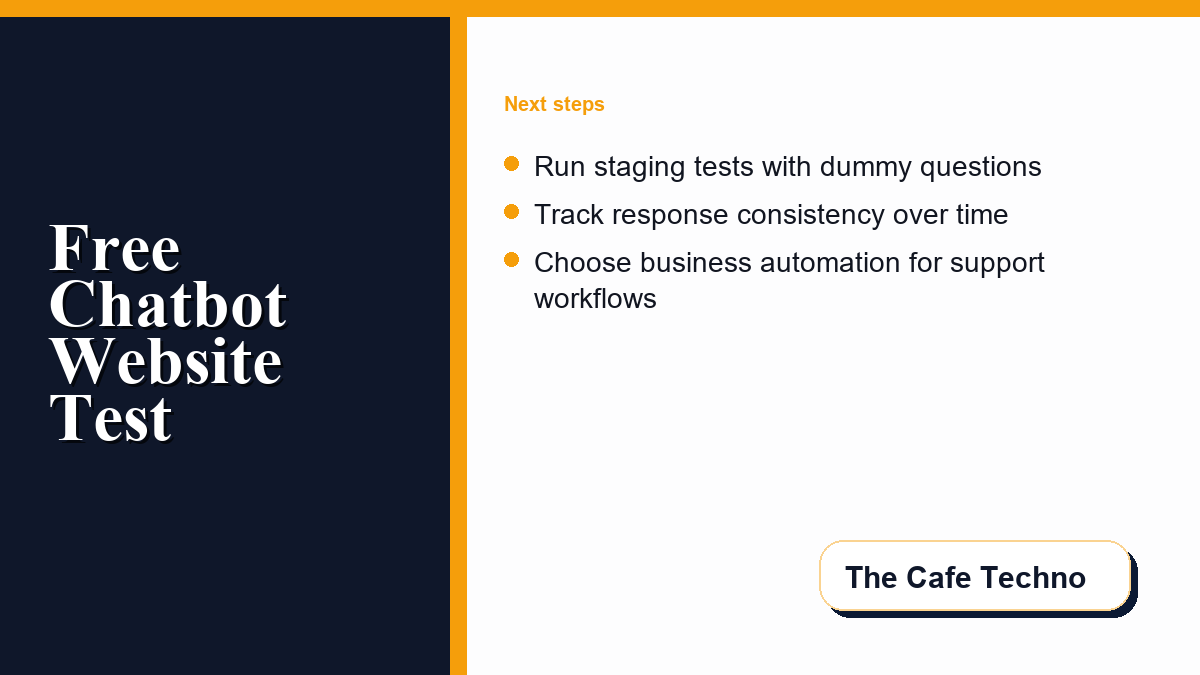
Before fully committing your workflows to a specific chatbot platform, it is wise to run a structured test. Do not assume that the first tool you try will fit all your future requirements. Instead, create a pilot phase where you test the limits of the free tier with dummy data or non-confidential queries. We recommend the following checklist during your evaluation:
- Test response consistency: Ask the tool to perform a series of standard tasks at different times of the day to see if performance degrades during peak traffic hours.
- Evaluate customization options: For website widgets, test how easy it is to customize the conversation flow. If the builder interface is too complex, or if the free tier restricts you to only one or two simple pathways, it may not be worth the integration effort.
- Run a staging trial: Invite a few colleagues or trusted users to interact with the chatbot in a staging environment. Pay close attention to how the chatbot handles unexpected inputs or spelling errors.
- Monitor usage metrics: Note how quickly you approach the free limit during ordinary work sessions. If you find yourself hitting the threshold within the first few days of testing, it indicates that a free tool may not be viable for your daily tasks.
Understanding when to upgrade is key. If you find that the free limits disrupt your daily operations, it may be time to transition to a paid plan. Alternatively, technical teams can explore self-hosted, open-source models that run on local hardware. This path requires more setup but avoids third-party rate limits and data privacy concerns, giving you complete control over your conversational interfaces.
Frequently Asked Questions
Are free chatbot tools safe to use for business data?
Generally, free chatbot tools should not be used for sensitive or proprietary business data unless the provider’s terms and account controls clearly support that use. Some free versions may use conversations to improve services, and inputs may be reviewed or retained under platform-specific rules. Review the tool’s privacy policy before inputting any data.
What are the typical limitations of a free chatbot tier?
Typical limits include daily or monthly query caps, slower response times during peak hours, vendor branding on widgets, limited conversational history storage, and restricted access to advanced customization or third-party integrations.
How does a browser-based chatbot differ from an embedded website widget?
Browser-based chatbots are productivity interfaces where you interact directly with an AI assistant to write, research, or brainstorm. Embedded website widgets are placed on a site to assist visitors, capture leads, or provide basic customer support routes.
Can I prevent free chatbots from using my chat history for training?
Some platforms allow you to turn off conversation history or opt out of data sharing within their settings menu. However, this varies by platform, and some metadata may still be stored for security monitoring purposes.
Do free chatbot widgets slow down page load speed?
Yes, adding external scripts or chat widgets to your website can increase loading times, especially on mobile devices. It is important to optimize your website layout and test page speed before and after embedding any widget.



0 Comments