
Refurbished technology can be a practical way to buy useful devices while reducing cost and electronic waste. Many buyers purchase refurbished smartphones, chargers, laptops, smart-home devices, and small household appliances through marketplaces or reseller programs. However, buying pre-owned or refurbished electronics introduces safety checks that are easy to miss when the original packaging, registration card, or recall notice is gone.
One important but frequently overlooked step is checking for active product safety recalls. Refurbished tech items, particularly those containing lithium-ion batteries or drawing high electrical power, may have been subject to a manufacturer or agency recall before landing on a reseller’s shelf. Using a device with an unresolved safety notice can create fire, shock, or overheating risks. Checking for active product safety notices is a practical habit that reduces the chance of bringing home a device with a known, unaddressed problem.
The Risks of Pre-Owned and Refurbished Devices
When a manufacturer discovers a safety issue in a product, they issue a recall, often in coordination with government safety agencies. For new purchases, manufacturers can contact buyers directly using registration data or retailer records. However, for second-hand items, this communication chain is broken. Subsequent buyers rarely receive direct notifications, and pre-owned devices can remain in circulation long after a safety warning is issued.
The risks are most prominent in devices with heavy power draw or rechargeable batteries. According to the United States Fire Administration (USFA), lithium-ion batteries present fire hazards if users do not follow proper product instructions. A battery that is damaged, used outside instructions, or affected by a recall can overheat, leak, swell, or otherwise become unsafe.
These issues are not limited to battery packs. Recall notices for electronics and small appliances can involve overheating, electrical failures, burn risks, or other product-specific hazards. Checking for device recall alerts helps reduce the chance that you buy a product with a known, unaddressed hazard.
What Information to Collect from a Product Label
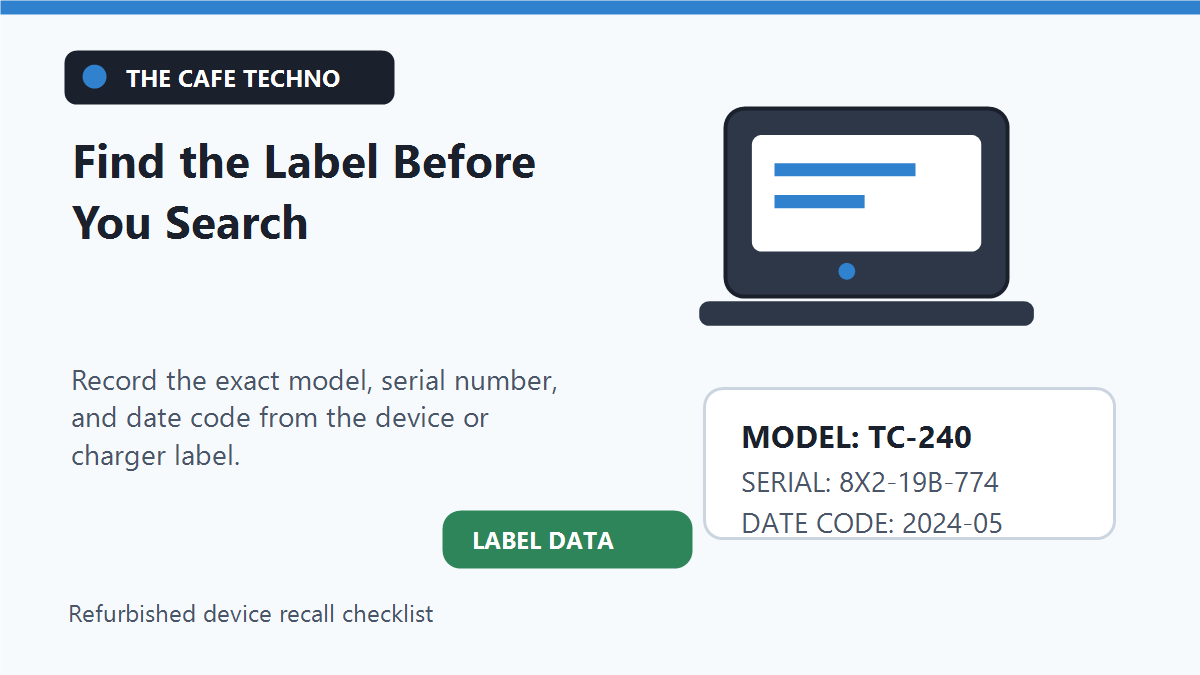
To run an effective recall check, you need to collect specific details from the device. Simply searching for the brand and product type is rarely enough. A manufacturer may recall a specific model, a particular batch, or units manufactured within a specific date window.
Before checking a device or completing a purchase, locate its official manufacturer label. This sticker or metal plate is usually found on the back, underside, or inside the battery compartment of the device. Write down the following details: the exact brand name, the model number, the serial number, and any lot or date codes. The date code or manufacture date helps isolate whether your item was built during the window of time affected by a recall.
When purchasing refurbished tech online, verify these details before finalizing your order. Checking product labels and seller credentials is similar to researching search platforms when you compare local business search sites before calling a broker. Ask the reseller for clear photos of the manufacturer labels. If they refuse or cannot provide them, treat the listing with caution.
Identifying Fire-Risk Recalls in Tech and Electronics
Fire-risk recalls can appear across several technology and household-product categories. Common categories to check include:
Chargers and Power Adapters: Fast chargers, USB hubs, and wall bricks draw current continuously while in use. Recall notices may cite overheating, melting, electrical fire, or shock hazards.
Lithium-Ion Batteries: Found in laptops, power banks, vacuum cleaners, and electric tools. Batteries that are damaged, misused, or affected by a safety recall can become unsafe. The USFA recommends storing lithium-ion batteries at room temperature and avoiding charging them at temperatures below 32 degrees F (0 degrees C) or above 105 degrees F (40 degrees C) to minimize fire risk.
Smart-Home Accessories: Smart plugs, security cameras, and smart thermostats operate for long periods and should be checked for product-specific safety notices.
Small Household Appliances: Countertop ovens, coffee makers, and air fryers use high-wattage heating elements, so buyers should verify that a pre-owned unit is not subject to an active safety recall.
Before you plug in a pre-owned router, camera, or charger, treat it like software testing – much like how you would test a free chatbot before you put it on your website. Check the hardware, label, and recall status before integrating it into your home.
How to Verify Recall Alerts Using Official Databases
Once you have gathered the model and serial numbers, run them through official safety databases. Government agencies regulate product safety and maintain comprehensive public lists of recalls.
The first step is to consult consolidated federal databases. In the United States, the primary portal is Recalls.gov, a federal recall resource that brings multiple agency jurisdictions together. For consumer products, kitchen appliances, electronics, and household items, the Consumer Product Safety Commission (CPSC) database maintains a searchable recall index. For vehicles, car seats, tires, and vehicle equipment, the National Highway Traffic Safety Administration (NHTSA) recall page provides a dedicated lookup tool. If the item is an FDA-regulated product such as a medical device, the Food and Drug Administration (FDA) safety portal is the better source to check.
While a general search engine can guide you to these resources, do not rely on third-party blog posts or social media claims. Instead, verify the specific details directly on government databases or the manufacturer’s official safety page.
To help monitor these alerts, you can use specialized tools. A dedicated portal for device fire recall alerts provides a convenient way to keep track of fire safety recalls across different categories. However, these tools are for monitoring and research purposes only. They do not replace the official agency or manufacturer recall notice. If a device you own is recalled, always follow the official remedy instructions.
A Refurbished-Tech Buying Checklist
Before buying or installing pre-owned electronics, use this checklist to ensure the product is safe:
| Verification Step | Detail to Check | Reference Source |
|---|---|---|
| Physical Label | Locate brand, model number, serial number, and date code. | Device chassis or battery compartment |
| Seller Verification | Request close-up photos of manufacturer labels; verify reseller rating. | Online marketplace listing details |
| Government Database | Search model and serial number for active recalls. | Recalls.gov or CPSC.gov |
| Battery Health | Check for swelling, leaking, discoloration, or extreme heat. | Physical inspection of the battery pack |
| Remedy Status | Confirm if a recalled device has received the official remedy. | Manufacturer customer support |
Just as you would research platforms when comparing business listing platforms without chasing bad deals, you must perform due diligence on the products you purchase. Spending a few minutes running these checks can help you avoid a product with a known unresolved safety issue.
Mindful Buying: What to Avoid
When shopping for pre-owned or refurbished devices, avoid these common mistakes:
Do Not Trust Seller Assurances: Do not assume a seller has checked for recalls. Many marketplace sellers are unaware of safety notices or want to sell inventory quickly.
Do Not Ignore Warning Signs: If a pre-owned charger feels unusually hot, emits an odor, makes clicking noises, or has a loose plug, unplug it immediately.
Do Not Improvise Repairs: If an item has an active safety notice, do not attempt to repair it yourself using generic parts. Official manufacturer remedies are designed to address the specific engineering defect.
If you discover a device you bought is recalled, contact the manufacturer directly to register your item. They will provide the official remedy, which may include a repair kit, a replacement device, or a refund.
Frequently Asked Questions
Should I trust a seller’s claim that a refurbished device has no recalls?
No. Treat reseller claims as unverified. Always request the model and serial numbers to verify the device’s recall status yourself on official databases.
Where is the model number usually located on a smart plug?
On most smart plugs, the model number, serial number, and safety marks are printed directly on the back or side of the plastic casing, near the electrical prongs.
Can a recall affect only certain batches of the same product model?
Yes. Manufacturers often recall only specific batches, lot numbers, or manufacturing date ranges. A matching model number is a warning, but you must check the serial number or date code to confirm if your unit is affected.
What should I do if a pre-owned charger does not have safety marks?
Use extra caution with chargers and adapters that lack recognizable third-party safety marks such as UL or ETL. Prefer clearly labeled products from reputable sellers, and still verify the model against official recall sources.
Does a third-party recall search site replace official manufacturer instructions?
No. Third-party trackers are helpful for finding safety warnings, but official manufacturer or regulating agency notices control the specific remedies and safety protocols.

0 Comments